Local-first mind mapping

Put thinking back in your hands.

Write down a half-formed idea, then branch it until the shape matches how you think.

Built for macOS · iPhone · iPad · Android

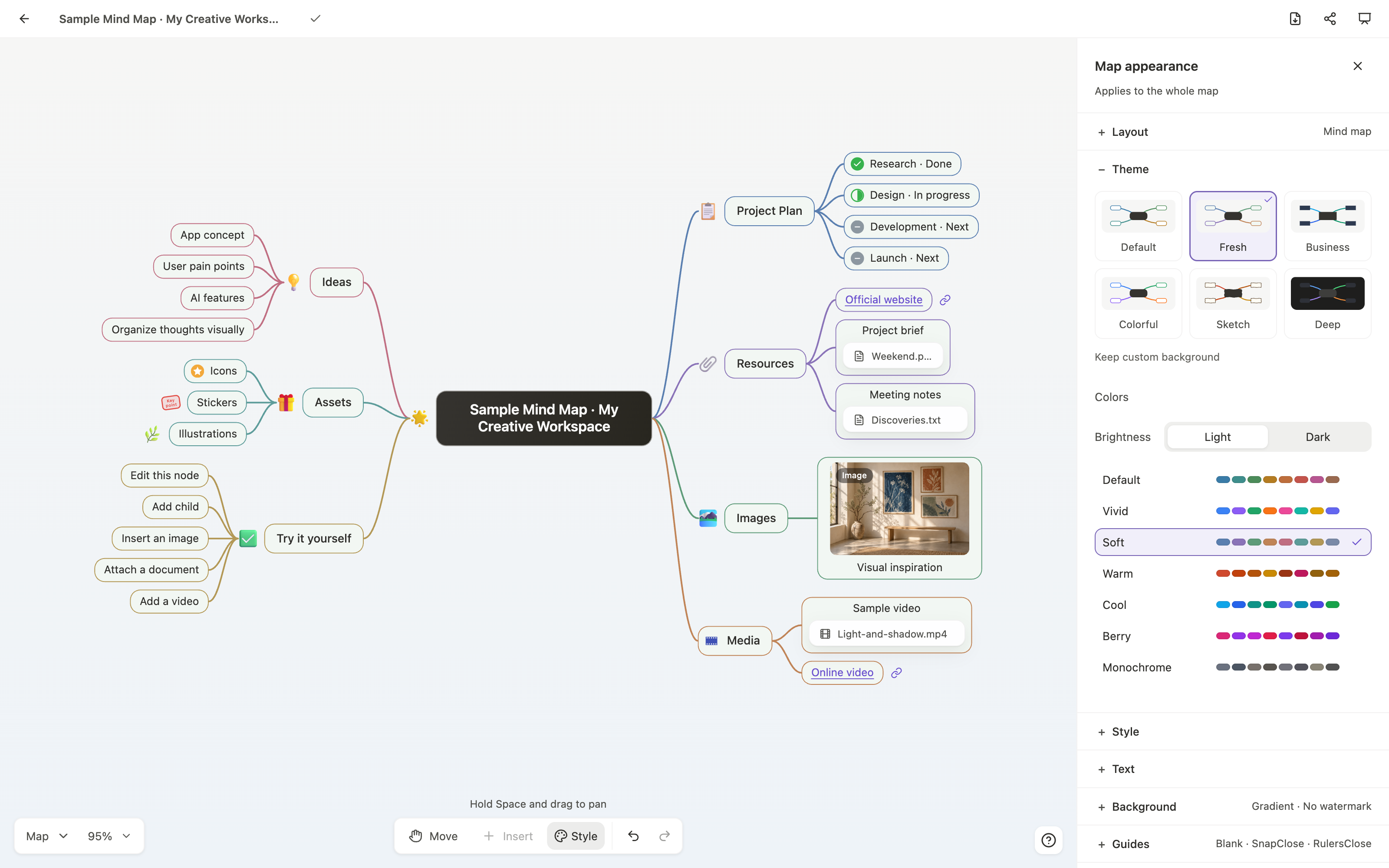
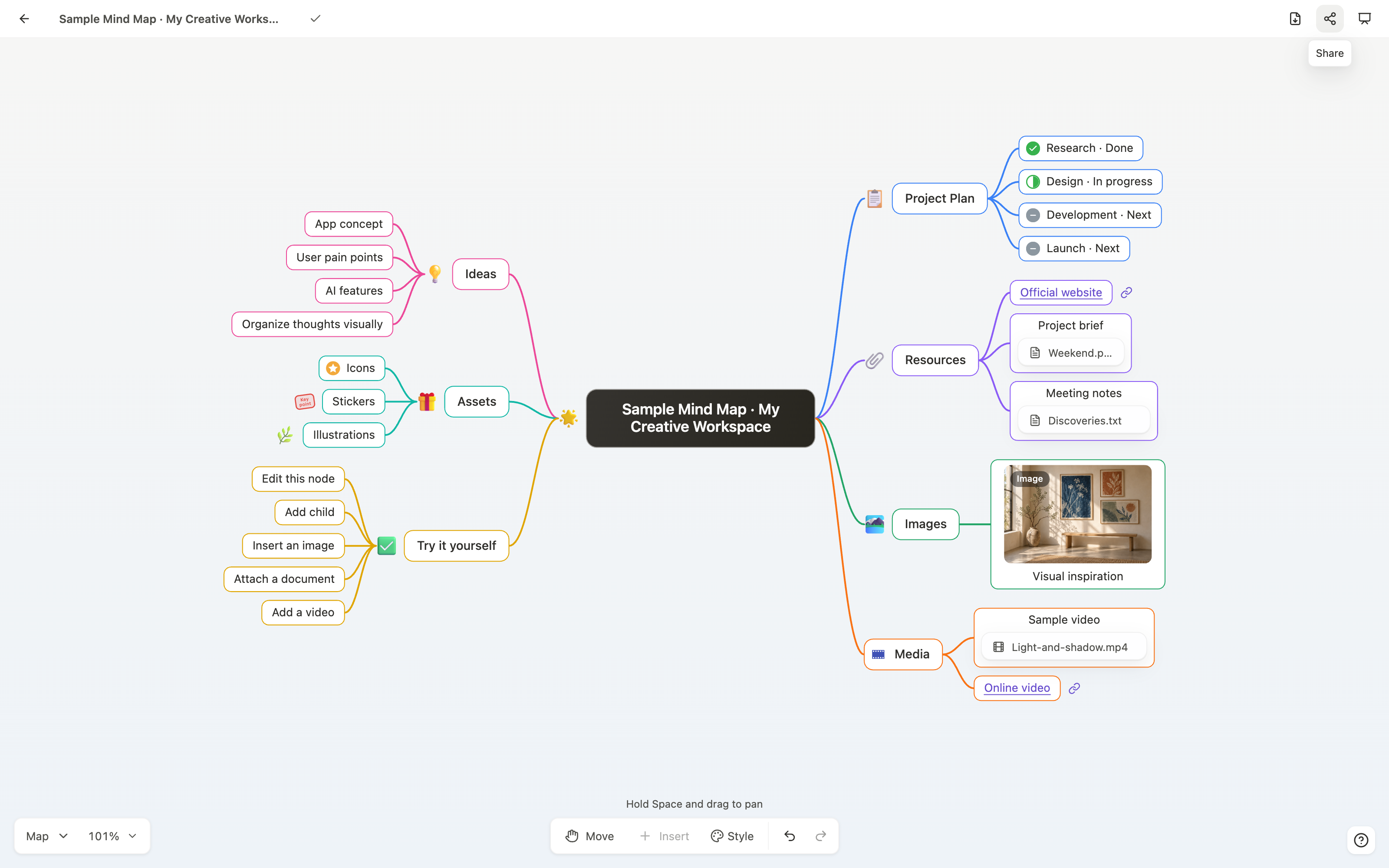
The real HMind macOS editor showing a product launch mind map with colored branches and attachments

Real HMind app · macOS

One map, many shapes

  • Mind map
  • Logic chart
  • Org chart
  • Timeline
  • Fishbone
  • Directory
  • Left & right
  • Vertical timeline
Inside HMind

See the real product at work.

Every view below comes from the current HMind apps—not a reconstructed website mockup.

Keep the context

Put sources beside the idea they support.

A node can carry more than a label. Add images, URLs and files, then open common documents and text formats without leaving the thought behind.

  • Images, links and attachments
  • In-app previews on mobile
  • Attachments copied into managed storage
Current HMind macOS editor previewing a source document beside its supporting map

Six structures · 31 presets

Change the shape without rebuilding the content.

Switch between mind maps, logic charts, org charts, directories, fishbones and timelines. The same nodes reflow into the structure that fits the question.

  • All layouts are Free
  • Left, right, balanced and vertical directions
  • Layout and connection style stay independent
Current HMind macOS layout inspector showing the real layout preset gallery

Optional sync

Continue the same map across your devices.

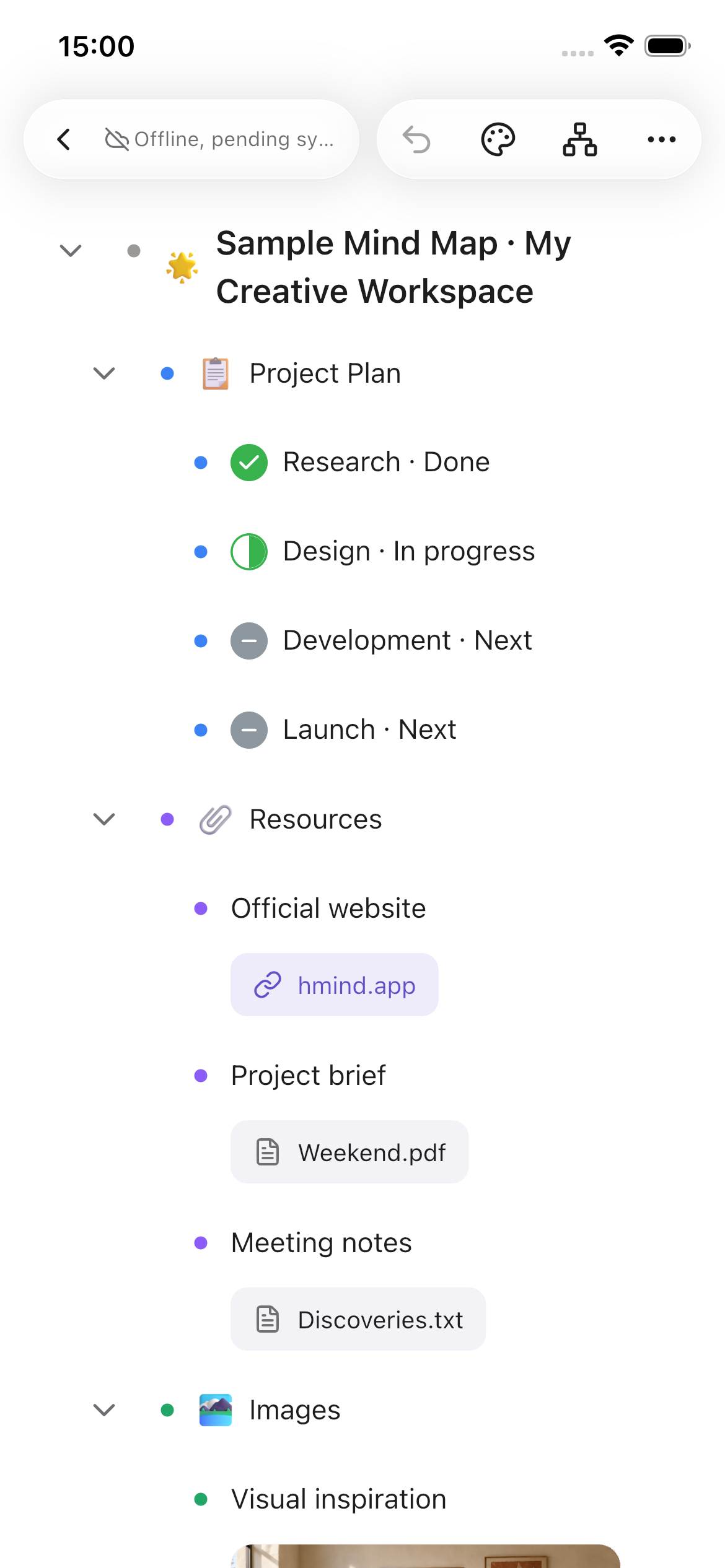
Work locally without an account. Sign in only when you want a cloud copy and cross-device continuity between Mac, iPhone, iPad and Android.

  • Local editing remains available offline
  • Free accounts can sync
  • Pro belongs to the signed-in HMind account
Current HMind macOS editor shown together with the same map on iPhone and iPad
Features

Write ideas down, then make them clear.

Connect, restructure, save, sync and share — all from one map.

Change structure and layout

Switch between mind maps, logic charts, org charts and timelines. The same nodes rearrange themselves, so the shape follows the thinking.

Research planSourcesMethodQuestionsFindings
6
Structures
31
Layouts

Connect ideas

Create nodes and levels, then move, fold and reorder them freely.

Own your files

Every map is a .hmind file you can move and back up.

Sync across devices

Sign in to keep maps current on supported devices. Sync is optional; local editing needs no account.

Use cases

One map for study, writing and planning.

Learning & research

Sources, questions and conclusions in one place.

Content creation

Turn notes into an article, script or talk.

Project planning

Goals, tasks, risks and next steps together.

Personal thinking

Capture unfinished thoughts and connect them over time.

Control and trust

Your files. Your choices.

Working locally needs no account. When you want to show a map, share a read-only link — readers can view the structure in a browser but cannot edit the original .hmind file.

  • Nothing to install
  • No account to create
  • Works on phones
  • Revoke anytime

Creating links is a Pro feature. Viewing a shared map is free and needs no account.

hmind.app/app/docs/…
Read-only
Research planWhat am I trying to learn?SourcesWhat's already known?MethodHow do I test it?QuestionsWhat's still unclear?FindingsWhat holds up?
Plans

Free to think. Pro to deliver.

Free

$0
  • All 6 structures and 31 layouts
  • Local .hmind files
  • Cloud sync after sign-in
  • PNG export (watermarked)
Get HMind Free

Pro

$4.99/mo

Includes all Free features, plus:

  • Watermark-free PNG, PDF & Markdown
  • XMind import
  • Presentation mode, offline HTML & print
  • Password-protected read-only links
Compare plans
FAQ

Before you begin.

Still unsure? Email us

Before you begin.

Give your next idea a shape.

Built for macOS, iPhone, iPad and Android. See current availability before downloading.

No ads · Analytics controls available · Your files stay yours